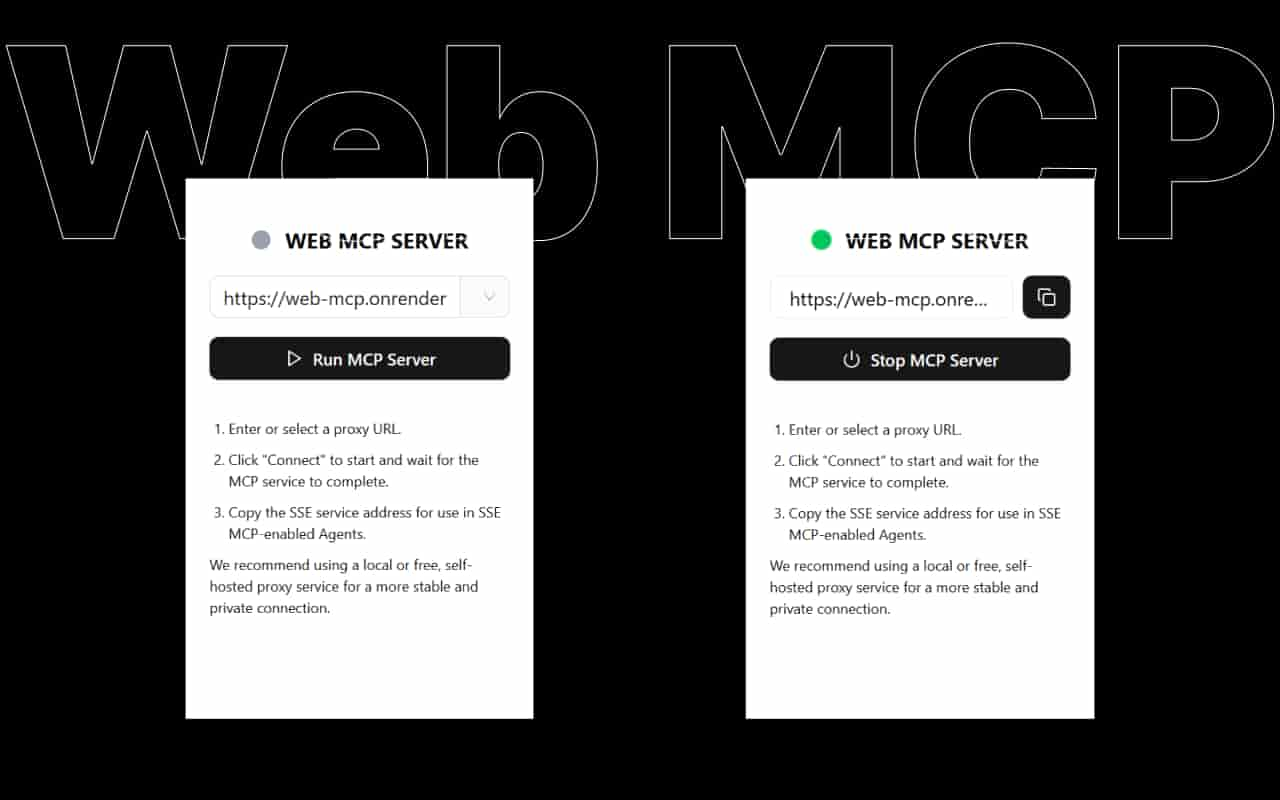
Web MCP Server Configuration
MCP Client Configuration
VS Code
VS Code supports using MCP services in Agent mode.
Steps, refer to the documentation: Use MCP servers in VS Code
- Press
Ctrl+Shift+Pshortcut, and typeMCP: - Select
MCP: Add Server... - Select
HTTP (HTTP or Server-Sent Events) - Paste the Web MCP service link, and press
Enterto confirm
Reference configuration: Replace the URL below with the service URL copied from the Web MCP extension.
{
    "servers": {
        "web-mcp": {
            "type": "sse",
            "url": "https://web-mcp.xxx.xxx/sse/xxxxxxx-xxxx-xxxx-xxxxx-xxxxxxx"
        }
    }
}
Cursor
Steps, refer to the documentation Cursor - Configuring MCP Servers
- Click the settings icon in the upper right corner of Cursor
- Select
MCPfrom the left-hand menu in the settings page - Click
Add new global MCP server - Complete the configuration by referring to the code below (Please replace the URL below with the URL from the Web MCP extension)
{
  "mcpServers": {
    "server-name": {
      "url": "https://web-mcp.xxx.xxx/sse/xxxxxxx-xxxx-xxxx-xxxxx-xxxxxxx",
      "env": {}
    }
  }
}
Claude Desktop
As of now, Claude Desktop does not seem to support SSE/Streamable HTTP. You can use a local proxy to connect, refer to the documentation Connect your remote MCP server to Claude Desktop via a local proxy
{
  "mcpServers": {
    "math": {
      "command": "npx",
      "args": ["mcp-remote", "https://web-mcp.xxx.xxx/sse/xxxxxxx-xxxx-xxxx-xxxxx-xxxxxxx"]
    }
  }
}
Windsurf
Refer to the documentation Model Context Protocol (MCP)
- Press
Ctrl+Shift+Pshortcut, and typeMCP: - Select
MCP: Add Server... - Select
HTTP (server-sent events) - Paste the Web MCP service link, and press
Enterto confirm
Reference configuration:
{
  "mcpServers": {
    "web-mcp": {
      "serverUrl": "https://web-mcp.xxx.xxx/sse/xxxxxxx-xxxx-xxxx-xxxxx-xxxxxxx"
    }
  }
}
Trae
Refer to the documentation Model Context Protocol (MCP)
- Press
Ctrl+Shift+Pshortcut, and typeMCP: - Select "Open MCP Config (JSON)"
- Add Web MCP by referring to the configuration below
{
    "mcpServers": {
        "web-mcp": {
            "type": "sse",
            "url": "https://web-mcp.koyeb.app/sse/39aae7a3-a4ae-40bc-bd4d-49efad5e990b"
        }
    }
}
Workers AI LLM Playground
Workers AI LLM Playground is an AI web-based chat tool that can be used directly in a web browser without downloading a client. Some models support MCP.
- Select a model labeled
MCPfrom theModeldropdown list. - Enter the Web MCP connection in the input box under "MCP Servers".
- Click the "Connect" button.
MCP Inspector Online
MCP Inspector Online is a web-based MCP development and debugging tool provided by Web MCP. It requires no installation and can be opened and used in a web browser at any time.
MCP Inspector Online can be seen as an MCP Client, but it is not AI-driven. It supports both SSE and Streamable HTTP MCP Servers.